

Welcome to the NPC Branding Guide!
One Mission. One Message. One Brand.
Our Christ-centered mission is at the heart of everything we do. When we follow our brand guidelines, we’re not just keeping things “on brand”—we’re working together to tell a clear, united story of who we are as a community. A consistent voice and look help others recognize our school and open doors to share the love of Christ.
Using our logos the right way
We’ve created five official logo combinations (or “lock-ups”) that mix and match our academic icon and wordmarks: vertical with the tagline Equip, Serve, Impact, vertical without the tagline, horizontal with the tagline, horizontal without the tagline, and the circle icon on its own. These lock-ups are approved for use on light, dark, blue, yellow, black, or gray backgrounds — just be sure to stick to the approved color combinations shown here.

Before you hit print or post, take a peek at our common misuses list to keep our look polished and professional!
Common misuses of our logos
Please Avoid These Misuses of Our Identity
NorthPointe Academic or Athletic logos may be used on t-shirts or apparel only if they remain unmodified. This includes shirts that are not in school colors (blue, yellow, white, black, gray) — such as Pink Out for breast cancer awareness, varied shirt colors for Field Day teams, or neon/reflective wear for safety— as long as the actual logo colors are not changed.
Do Not:
-
Change the actual logo colors
-
Distort, stretch, or skew the logo in any way
-
Use only part of the logo or crop elements out
-
Overlap different NPC logos
-
Use retired NPC logos
-
Use shirt and logo color combinations that resemble other local school brands
When in doubt—use the official logo exactly as provided.
Exceptions can be made if approval is granted prior by the Marketing and/or Athletics Departments.
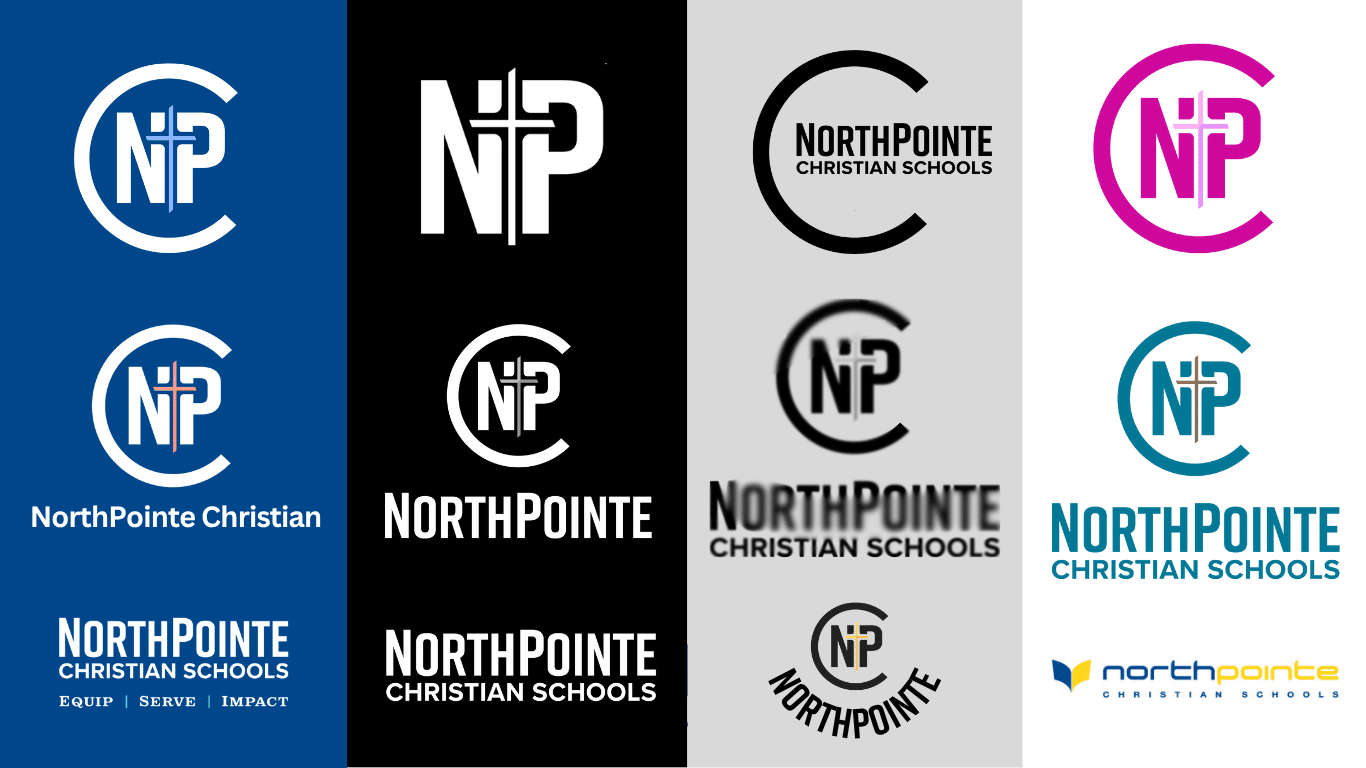
Common examples of misuse can be seen here:
Staff Email Signatures
A professional email signature should communicate your role, share contact info easily, and maintain consistency across our school.
Outlook for web browser instructions
Outlook for Mac Mail instructions
Links are accessible only when logged in with your NPC email. Please contact the Marketing team if you need assistance setting up your e-signature.
School Colors

The color standards for the NorthPointe Christian brand are set and must never be altered.
Which color code should I use?
-
CMYK — For four-color printing, such as when printing on our local printers.
-
RGB or HEX — For digital use, such as presentations, websites, or graphics created in programs like Canva. Both are used to render colors on screens.
Always choose the code that matches the medium to ensure our colors remain consistent everywhere.
School Fonts
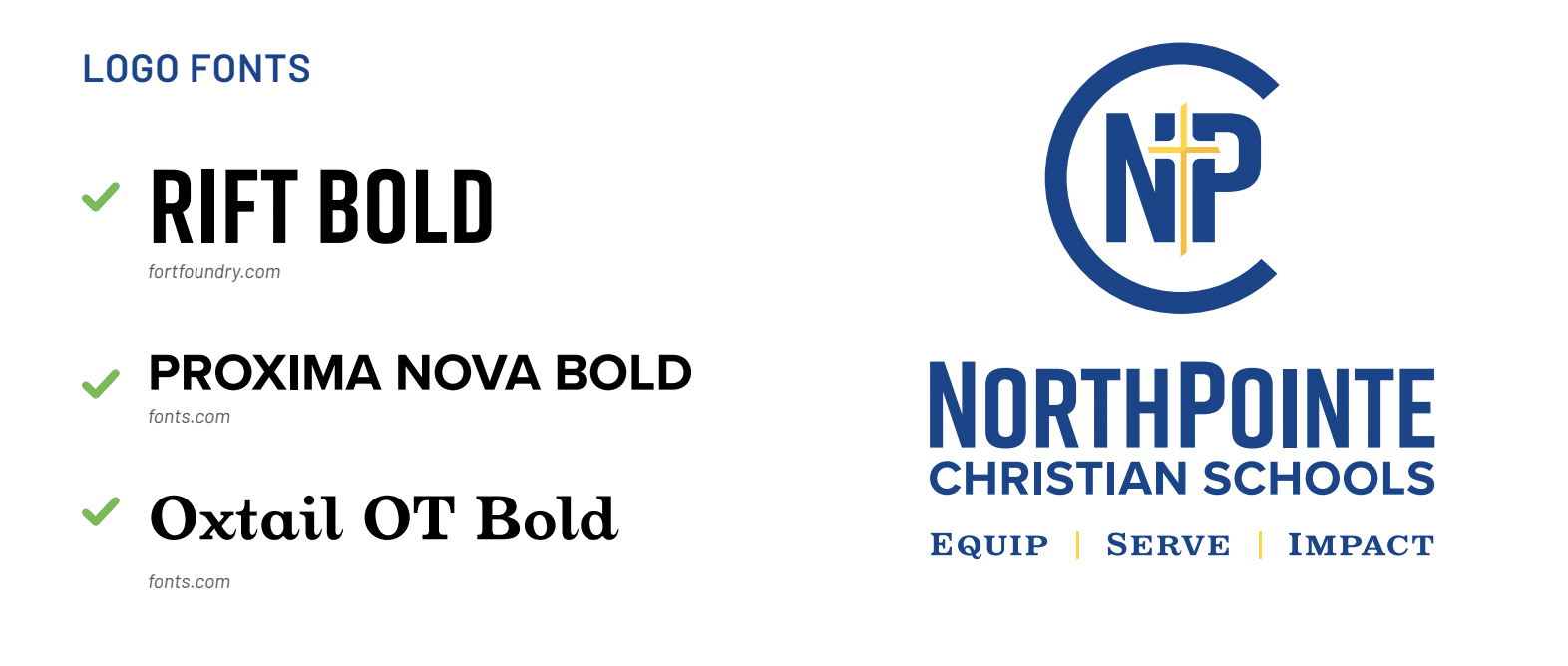
We recommend using the approved font families below.
Body Copy:
- Montserrat
- Oswald
- Arial (acceptable use: email)
- Helvetica (acceptable use: email)
- Times New Roman (acceptable use: letterhead)
Academic Logo Headings:
- Rift (Bold)
- Proxima Nova (Bold)
- Oxtail OT (Bold)
Athletic Logo Headings:
- Rigid Square (Extra Bold)
- Rift (Bold)
Frequently Requested Templates
We receive many requests for yard signs, t-shirt, PowerPoint presentations, and letterhead.
Check out these DIY templates below — just be sure to make a copy or save it to your computer before you start editing!
Yard Signs (Canva)
T-Shirts (Canva)
8.5×11 Fliers (Canva)
NPC Powerpoint Template (Google Drive)
NPC Digital Letterhead (Google Drive)
Need help designing or creating something for a large group, a permanent sign, or special event? Fill out a Marketing Request Form.
Please note: items may have a 3–6 week turnaround time.
Which file types to use
Please reach out to our Marketing Department with any questions about file types or if you need a version that isn’t available in the shared drive. We’re happy to assist you whenever possible.
- EPS | Best for commercial Print Jobs, large signs/banners, or embroidery
An EPS file is a vector graphic. This format may be requested
by commercial printers, signmakers, or embroidering
companies. This file type is scalable without losing quality. - PDF | Best for commercial print jobs and items of a large scale
A vector PDF file is a versatile file that can be used for
communication between sources and is easily viewable by
most users. This file type is scalable without losing quality. - PNG | Best for Digital or print applications, email, school newsletters, or Canva
A PNG file is a bitmap graphic. It should be used when a
transparent background is required. A high-resolution PNG can
be used for electronic or print applications. It cannot be enlarged
without losing image quality. - SVG | Best for working within Adobe Software products or t-shirt vendors
An SVG is an XML-based vector image format for web and
animation usage. An SVG file can be scaled to different sizes
without losing quality.
Vendor & Print Recommendations
We collaborate with many reputable vendors and designers and regularly update our recommended list to ensure you have the best options available.

